
Mission
home

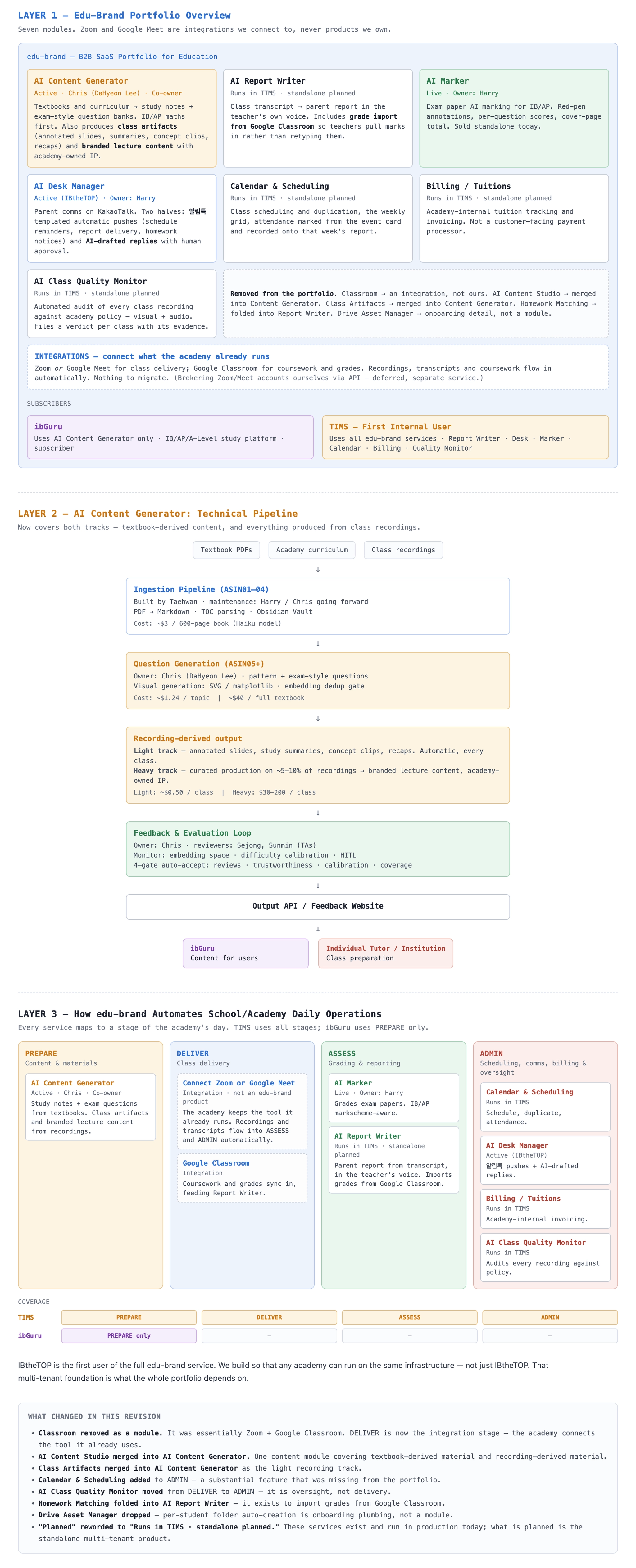
AI Content Generation Pipeline

AI Content Generation Pipeline — How to Use It
What it does This tool reads your curriculum content (Google Docs) and automatically produces structured study notes and exam-style practice questions, formatted as ready-to-use pages.
Who runs it: Harry runs the pipeline after you've prepared your content. Your job: Prepare the Google Docs. The AI does the rest.
STEP 1 — Organize your Google Docs
Create three document types per subject:
┌───────────────┬──────────────────────────────────────────────────┬──────────────────────────────┐ │ Doc type │ What goes in it │ Required? │ ├───────────────┼──────────────────────────────────────────────────┼──────────────────────────────┤ │ Lecture doc │ Teaching notes, key concepts, explanations │ Only if subject has lectures │ ├───────────────┼──────────────────────────────────────────────────┼──────────────────────────────┤ │ Notes doc │ Summary notes, key points, formulas, definitions │ Always │ ├───────────────┼──────────────────────────────────────────────────┼──────────────────────────────┤ │ Questions doc │ Practice questions with answers, worked examples │ Always │ └───────────────┴──────────────────────────────────────────────────┴──────────────────────────────┘
STEP 2 — Add a Table of Contents to every doc
The pipeline uses the TOC to structure its output. Without it, the output will be unstructured.
→ In Google Docs: Insert → Table of contents → Plain text
Every section heading in the doc body must appear in the TOC.
STEP 3 — Set sharing to "Anyone with the link — Viewer"
→ In each doc: Share → Change → Anyone with the link → Viewer
The pipeline cannot access private or restricted docs.
STEP 4 — Deliver all docs together, complete
Collect all links in one table (Google Sheet or Notion) with columns: Subject | Doc type | Link | Sharing confirmed
Send to dev@gurume.kr and confirm everything is complete before requesting a run. Harry will not re-run for missing docs — the batch runs once.
STEP 5 — Review the output
Harry will place the generated HTML pages in a shared folder. Your job:
Compare each generated page against your original doc
Write a short bullet-point note listing any issues
Send the written note to Harry
What counts as feedback: missing content, wrong formatting, skipped sections, questions not matching the right topic. What is NOT needed: design comments, font preferences, layout opinions. This is a content review only.